
On this page
- What barcode asset tags are used for
- Barcode types we print
- Aluminium or polyester barcode tags?
- Asset barcode labels: what to print on each one
- Benefits of barcode asset tagging
- Making sure every barcode scans
- What to decide before you order barcode asset tags
- Common barcode tagging mistakes
- Order barcode asset tags
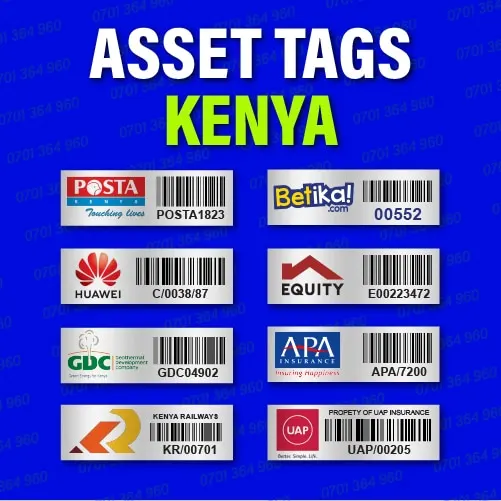
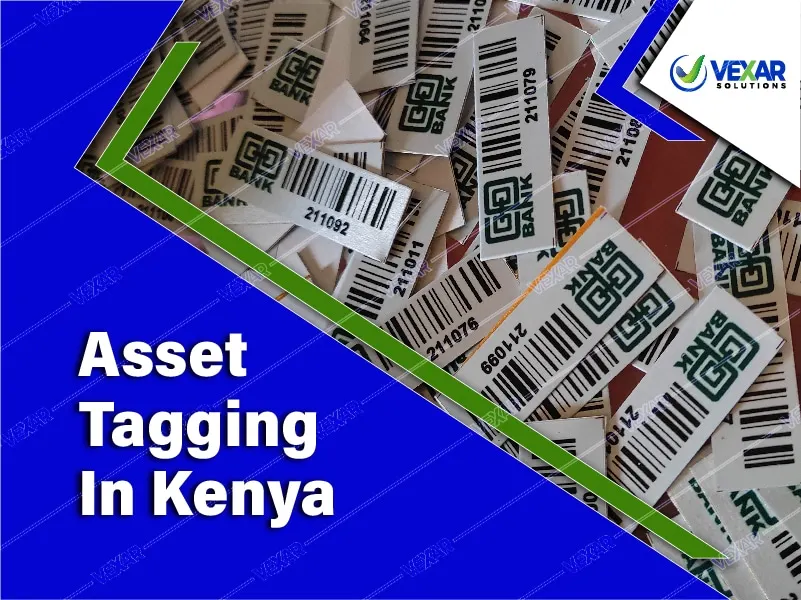
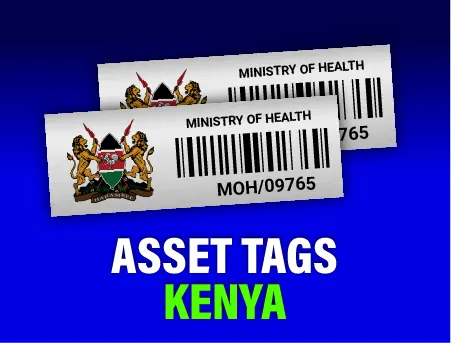
Barcode asset tags give every item you own a unique, scannable identity. We make barcode asset tags in Nairobi on anodized aluminium or laminated polyester, printed with your logo, a sequential asset number and a barcode that reads first time with any standard scanner.
Scanning replaces manual typing during audits, stock-takes and check-in/check-out, which removes transcription errors and cuts verification time from days to hours.
What barcode asset tags are used for
A barcode asset tag links a physical item, a laptop, chair, projector, generator or hospital bed, to its record in your asset register or asset management software. When the tag is scanned, the system pulls up the asset's description, location, custodian, purchase date and condition.
- Audits and verification: scan each room and compare what is there with what the register says.
- Movements and custody: record transfers between offices, branches and staff.
- Maintenance: log services and repairs against the right asset.
- Disposal: confirm exactly which items are retired, sold or written off.
Barcode types we print
| Code | Best for | Notes |
|---|---|---|
| Code 128 | Most asset registers | Compact, handles letters and numbers, widely supported |
| Code 39 | Older systems | Simple and reliable; needs a little more width |
| QR code | Smartphone scanning, links to online records | See QR code asset tags |
| Data Matrix | Very small items and parts | Often laser marked |
If your software expects a particular format, send us a sample number and we will match it. Our guide to barcode vs QR vs RFID compares the options in more depth.

Aluminium or polyester barcode tags?
Aluminium barcode tags are anodized, so the barcode is sealed into the metal. They suit furniture, equipment, vehicles and anything cleaned often or used outdoors. Polyester barcode labels are laminated and lower in cost, and work well on indoor IT equipment. Many organisations use both. See polyester asset labels and metallic barcode tags.

Asset barcode labels: what to print on each one
Whether you choose aluminium or polyester, a good asset barcode label carries the same core information:
- Asset number in human-readable text, matching the number encoded in the barcode.
- Barcode (Code 128 for most scanners) or a QR code for smartphone scanning.
- Organisation name or logo so the item is clearly identified as yours.
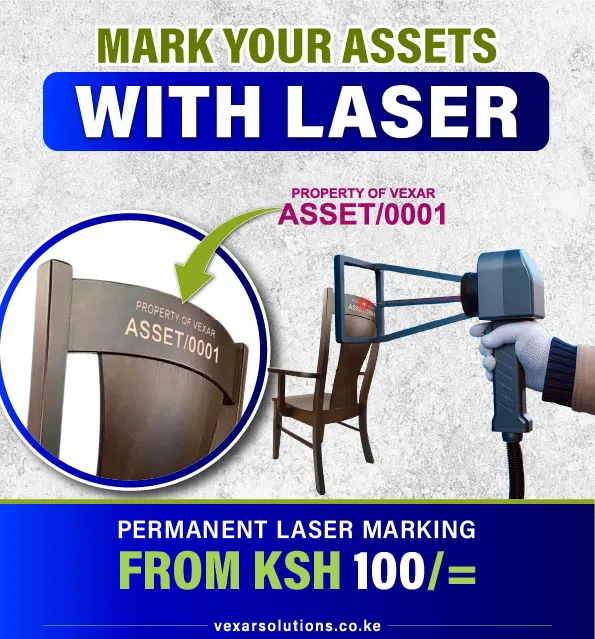
- Optional text such as "Property of", a department or a return phone number.
Barcode tags come in 39 x 13 mm (standard and recommended), 45 x 15 mm, 50 x 20 mm, 50 x 30 mm, 60 x 30 mm, 75 x 40 mm, 80 x 50 mm and 100 x 50 mm. The standard 39 x 13 mm size scans reliably on laptops and most equipment; larger sizes suit furniture and machinery. Numbers are printed in sequence to match your fixed asset register, and every batch is scan-tested before it leaves our Nairobi workshop.
Benefits of barcode asset tagging
- Speed: a scan takes a second; typing a serial number takes much longer and invites mistakes.
- Accuracy: each tag number is unique, so duplicate or missing records show up immediately.
- Accountability: each asset is tied to a location and a custodian.
- Audit readiness: registers stay current, so year-end verification becomes routine.
- Low running cost: once tagged, the same tag serves the asset for its whole life.
Making sure every barcode scans
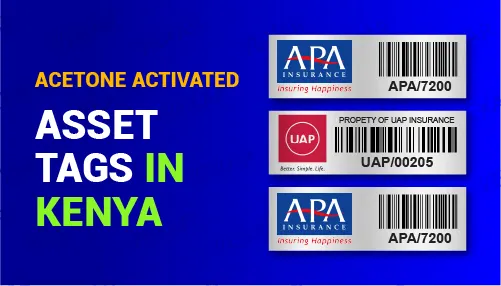
A barcode that won't scan is worse than no barcode. We size each code for the tag, keep a clear quiet zone around it, print with high contrast and test samples from every batch before delivery. Tags are applied with acetone-activated or self-adhesive backing depending on the surface.
What to decide before you order barcode asset tags
- The number format. Keep it short and consistent, for example a prefix for the department or site and a running number. Avoid letters that look like digits. See how to set up a numbering system.
- The barcode type. Code 128 suits most registers. Use the same type across all your tags so one scanner setting reads everything.
- The scanning method. A handheld scanner is quickest for large counts. A smartphone app is enough for small teams. Both read the same tag.
- The tag size. A longer number needs a wider tag to keep the bars clear. 39 x 13 mm is our standard; larger tags suit longer numbers or scanning from a distance.
- The register. Decide where the numbers will live before the tags arrive: Excel, an existing system, or VexCloud AMS (Asset Management System).
Common barcode tagging mistakes
- Printing a barcode that carries too much information. Let the code hold only the asset number and keep details in the register.
- Mixing barcode types on one site, so some tags do not scan with the same device.
- Tagging before the register is ready, which leaves tags with no record behind them.
- Putting tags where they are hidden, curved or exposed to heavy wear, so they are slow to scan or get damaged.
For the full process, see the barcode asset tags implementation guide and the fixed asset tagging checklist.
Order barcode asset tags
Send your logo, quantity and number format. We will recommend size and material, send a free proof, and produce the tags in sequence. If you want the tagging done for you, our fixed asset tagging service covers verification, tagging and a new asset register. For cost guidance see asset tags price in Kenya.
Compare barcode tags with the other tag types on our asset tags in Kenya page.
Barcode asset tags start from KSh 60 per tag, with bulk discounts for larger quantities. See the full asset tags price guide or browse aluminium asset tags in Kenya.
Frequently asked questions
What is a barcode asset tag?
A barcode asset tag is a durable label fixed to an asset that carries a unique number encoded as a barcode, so the asset can be identified and looked up in a register by scanning.
Which barcode type should I choose?
Code 128 suits most asset registers because it is compact and supports letters and numbers. If your software uses a specific format, we match it. QR codes are best when staff scan with smartphones.
Can I scan barcode asset tags with a phone?
Yes, most smartphone scanning apps read Code 128 barcodes. QR codes are even easier to scan with phones and can link directly to an online record.
Can you print barcodes that match our existing asset numbers?
Yes. Send us your number format or a list of numbers and we print the barcodes to match your register exactly.
Do barcode tags work on metal surfaces?
Yes. Barcode tags work on metal. RFID tags need special on-metal versions, but printed barcode and QR tags scan normally on any surface.
How long should an asset barcode number be?
As short as your register allows. Shorter numbers need less width, so the bars stay clear and the tag scans quickly.
Can one barcode tag be read by both a scanner and a phone?
Yes. A Code 128 barcode can be read by a handheld scanner and by most smartphone scanning apps.
Do I need software to use barcode asset tags?
No. The tag carries a number that you match to your register, which can be an Excel file. Software such as VexCloud AMS adds scanning workflows and reports.
Order online

Helpful guides
Guide, 2 min read
Barcode Asset Tags: An Implementation Guide
Plan barcode asset tags around unique IDs, label layout, scanner compatibility, register data and a practical rollout fo…
Guide, 4 min read
Metallic Barcode Tags for Industrial Assets
Metallic barcode tags for industrial assets: scan-reliable barcodes on anodized aluminium or steel that survive heat, oi…
Guide, 5 min read
Barcode vs QR Code vs RFID Asset Tags
Compare barcode, QR code and RFID asset tags on cost, scanning speed and durability to choose the right tracking method …